


The short version
- A beta branch is a separate version of a game on Steam that you can switch to from the game's properties. You need to own the game.
- Slay the Spire 2's v0.113.0, with the new character The Fool and the Blitz and Dread modes, came out on November 12, but only on the
public-betabranch. Everyone else gets v0.111.0. - To opt in: right-click the game, Properties, Game Versions & Betas, then pick a branch.
- The risk is your saves. A save made on a newer beta might not load on the older version, so back up first.
What happened with Slay the Spire 2
Mega Crit's Slay the Spire 2 has been in Early Access on Steam since March 5, 2026. It costs $24.99 in the US and ₹1,100 in India, and it was showing ₹880 at 20% off on the Indian store when we checked, so look at the price on the day.
On November 12, the studio put out what it called "the biggest (beta) patch yet". Version 0.113.0 adds:
- The Fool, the first new character added during Early Access. Mega Crit's only description so far is a "silly musician who wields a bow", and it expects plenty of content and balance changes before The Fool is ready for the main version.
- Blitz, a shorter mode with no map, an odd Merchant and no use for Gold. It unlocks after you finish an Ascension run.
- Dread, a very hard mode for players who've reached Ascension 10 on every character, The Fool included.
Plus new events, card reworks, relic changes and performance fixes. But if you just launch the game normally, you won't see any of it. The main version gets v0.111.0, the previous, more stable beta. To play The Fool now, you have to switch branches.
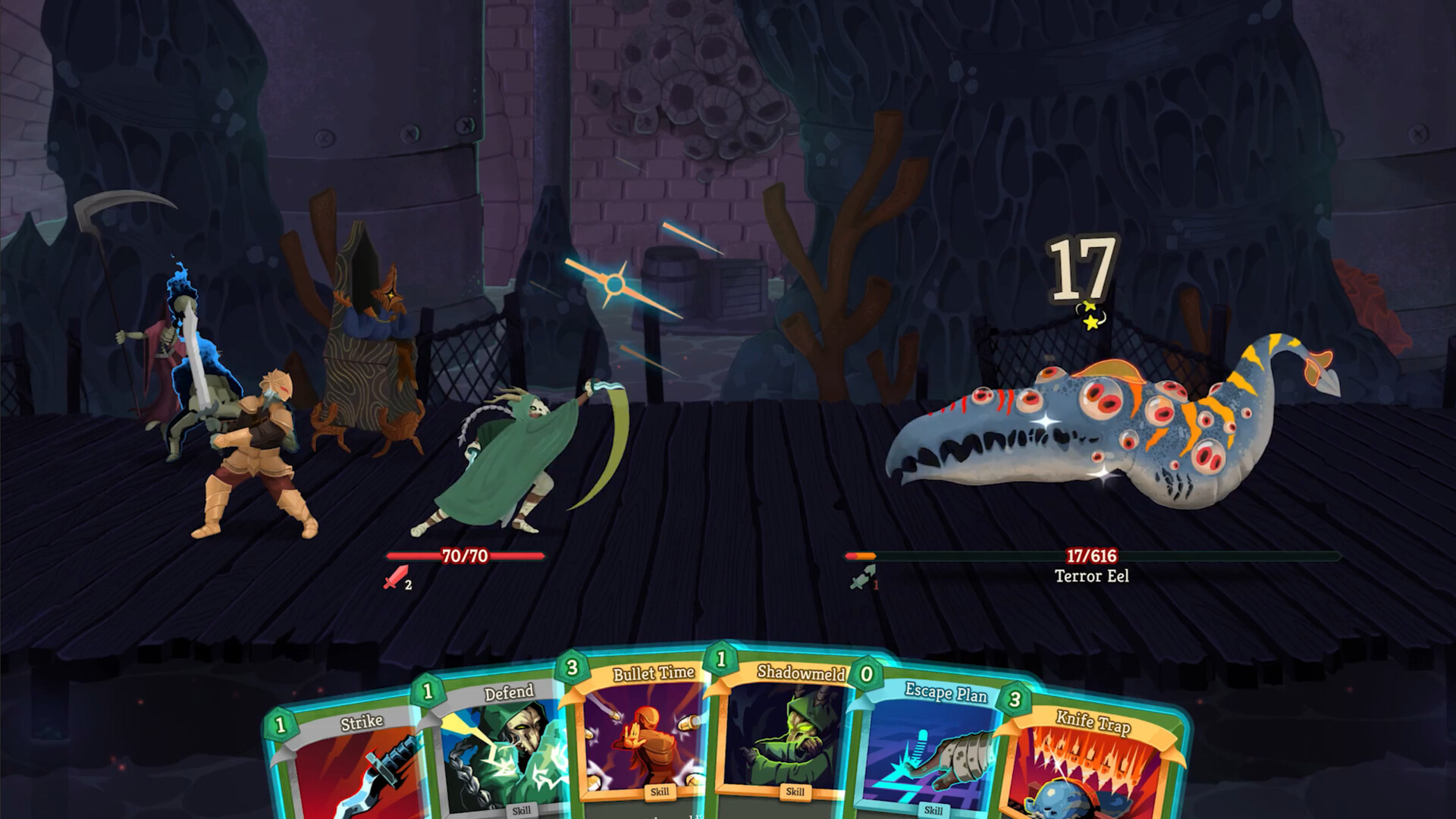
Image: Mega Crit
What a beta branch actually is
On Steam, a developer uploads builds of their game, and each build is a full set of game files. A branch is a label that points to one of those builds.
Every game has a default branch. That's the version Steam installs for everyone, and a new upload never goes live there on its own: the developer has to pick a build and set it live. Valve says the most common reason to make extra branches is testing, such as shipping a fix to a small group before giving it to everyone.
Because a branch is still the same game on your account, your playtime, achievements and Steam Cloud saves are shared across branches. When you switch, Steam downloads the build for that branch and replaces the version installed on your PC.
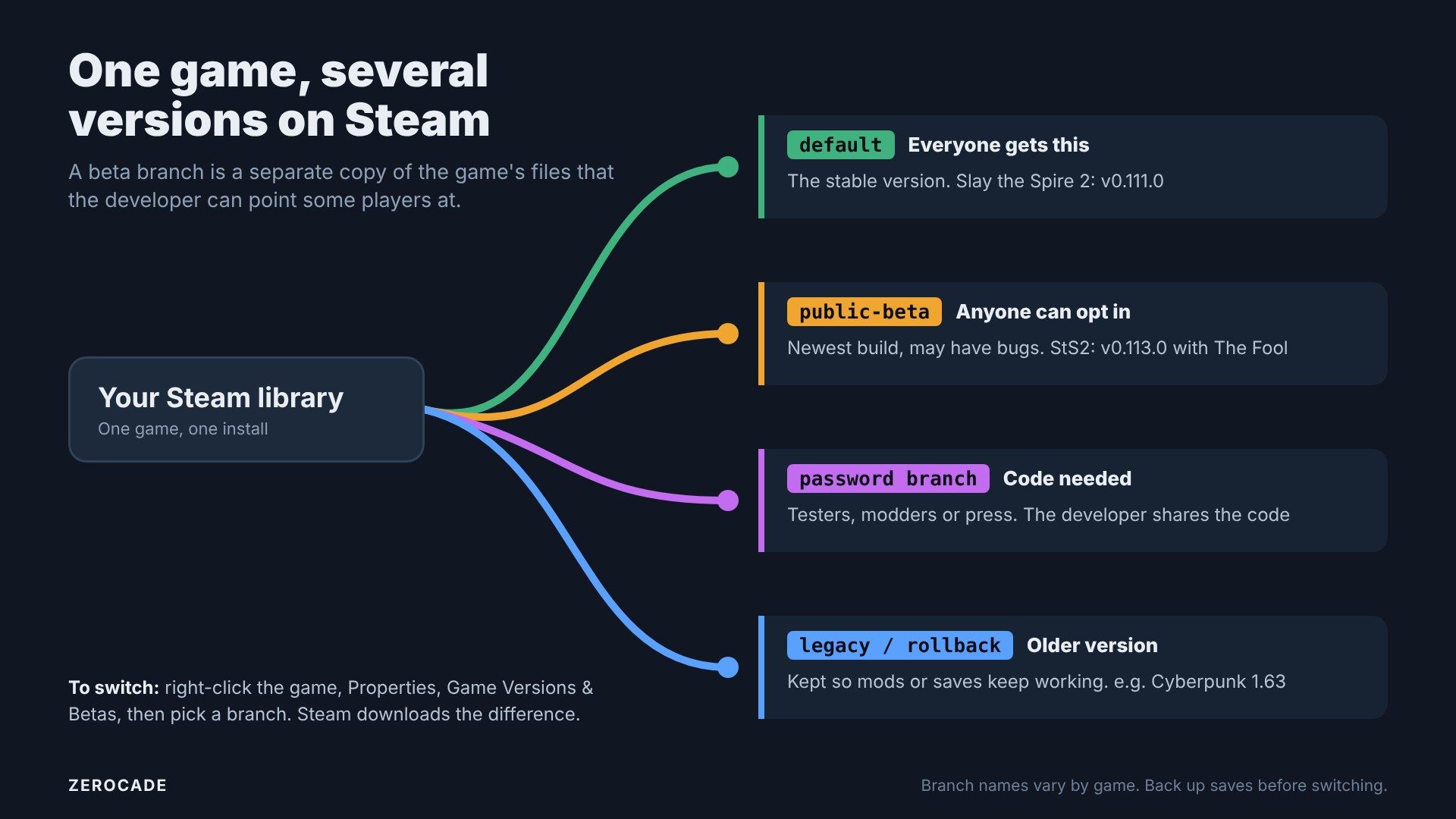
Image: Zerocade
The three kinds of branch you'll run into
Public betas
Anyone who owns the game can pick these from the list. Slay the Spire 2's public-beta is a typical one: newer content, more bugs, and feedback is the whole point.
Helldivers 2 used one differently in December 2025. Its prod_slim branch cut the PC install from about 154GB to about 23GB, and Arrowhead said there were "no functional differences" besides size. Progress carried across.
Password-protected betas
These are hidden until you enter a code, so you won't see their names in the list. Developers use them for testers, modders or press, and can give out keys that they can cancel later. You type the code into the "beta access code" box on the same tab and click Check Code.
Legacy or rollback branches
These keep an older version around, usually so mods keep working after a big update. When Cyberpunk 2077's 2.0 update overhauled the game in September 2023, CD Projekt Red kept a 1_63_legacy_patch branch so players could stay on version 1.63, though it said it would only support the latest version.
Not every developer does this. Fallout 4 had no official rollback branch after its 2024 next-gen update, so modders turned to an unofficial downgrader tool instead. tModLoader, the free Terraria modding app on Steam, keeps legacy versions for older mods.
How to switch branches
- In your Steam library, right-click the game and choose Properties.
- Open the Game Versions & Betas tab. Older Steam versions just call it "Betas".
- Pick a branch from the list. For a private one, enter the code first.
- Steam downloads the update. A label next to the Play button shows which branch you're on.
To go back, choose the default branch or "None" on the same tab. Steam will download the main version again.
What can go wrong: your saves
Valve's documentation doesn't say anything about saves, and neither do Slay the Spire 2's patch notes. That's the part to be careful with.
Because beta saves sync through Steam Cloud like normal ones, a save made on a newer beta could end up on the older default version, where it might not load. Larian said exactly this about its Baldur's Gate 3 Patch 8 stress test in January 2025: it couldn't guarantee saves from the test would work with the final patch.
So before you switch:
- Back up your save folder, or check the game's community pages for where it lives.
- Expect bugs and crashes. That's what the beta is for.
- Don't switch if you're mid-run in something you care about.
How this differs from Playtest, Early Access and console betas
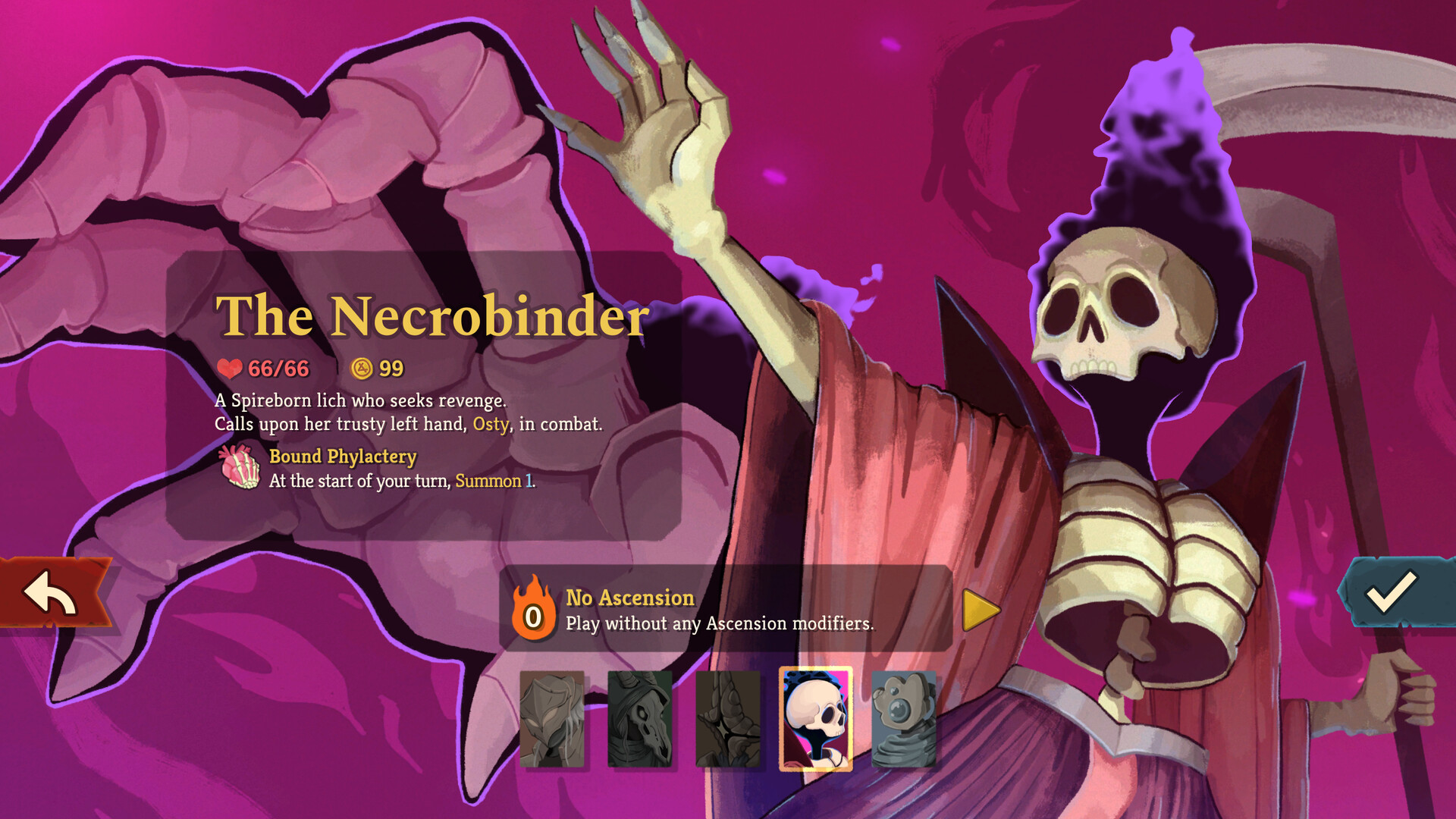
Image: Mega Crit
- Steam Playtest is a separate free app you request from a game's store page. You don't need to own the game, and its playtime and achievements are kept apart. Valve doesn't allow charging for it.
- Early Access is a paid, unfinished game, which is what Slay the Spire 2 is. A game can be in Early Access and run beta branches on top, which is exactly what's happening here.
- Steam Client Beta tests the Steam app itself, not games. It's in Steam's settings.
- Consoles don't let you switch versions of a game you own. Xbox has Game Preview for paid early access and the Xbox Insider programme for test builds. PlayStation launched its own Beta Program in March 2025, a single sign-up for betas of some PS5 and PC games, with no guarantee you'll be picked.
What to watch
Mega Crit hasn't said when The Fool will reach the main version. Until it does, the beta is the only way to play it, so back up your saves and switch on the Game Versions & Betas tab.