

The short version
- Chinese brand KTC has launched the 25M1 Pro, a 24.1-inch 1080p 600Hz Fast TN monitor, for 4,999 yuan (about $750) in China. It isn't sold in India yet.
- Past 360Hz, each step up saves only fractions of a millisecond per frame. The real gain is less motion blur, and only if your PC actually renders that many frames.
- Panel type matters as much as Hz. A 500Hz OLED can look as clear as a much faster LCD, because its pixels change about five times faster.
- In India, the 600Hz BenQ Zowie XL2586X+ costs ₹94,990, and BenQ's 500Hz OLED Mobiuz EX271QZ costs ₹84,998.
What KTC launched
KTC's 25M1 Pro went on sale on JD.com in China this week, reported by ITHome on November 12 and Notebookcheck on November 13. It's a follow-up to the 400Hz KTC 25M1, which sells for about $330 in the US.
| KTC 25M1 Pro | |
|---|---|
| Panel | 24.1-inch Fast TN, 1920x1080 |
| Refresh rate | 600Hz |
| Response time | 0.5ms (claimed) |
| Brightness | 350 nits, 1000:1 contrast |
| Colour | 93% DCI-P3, 92% sRGB, 8-bit |
| Ports | 2x DisplayPort 1.4, 2x HDMI 2.1 |
| Extras | Anti-glare hood, 100-step overdrive, internal power supply |
| Price | 4,999 yuan (about $750), China only |
KTC hasn't said whether it supports adaptive sync or backlight strobing, or which port runs the full 600Hz. Neither has it confirmed a global launch.
What refresh rate actually does
A 600Hz monitor can show a new image 600 times a second. Here's how long each image stays up:
| Refresh rate | Time per frame |
|---|---|
| 144Hz | 6.94ms |
| 240Hz | 4.17ms |
| 360Hz | 2.78ms |
| 600Hz | 1.67ms |
| 1000Hz | 1.00ms |
Notice the shrinking returns. Going from 60Hz to 144Hz cut about 9.7ms per frame. Going from 360Hz to 600Hz cuts about 1.1ms. Our refresh rate vs response time guide covers the basics.
So at this level, the main benefit isn't latency. It's how sharp moving things look.
Why fast motion blurs
Most monitors are "sample-and-hold": each frame stays fully lit until the next one replaces it. Your eyes, though, follow moving objects smoothly. While you track an enemy across the screen, the image sits still for a whole frame, so it smears across your retina.
Blur Busters' Mark Rejhon put it in a simple rule: every millisecond a frame stays on screen adds one pixel of blur for every 1,000 pixels per second of motion.
Take a fast flick across a 1080p screen, about 2,000 pixels per second:
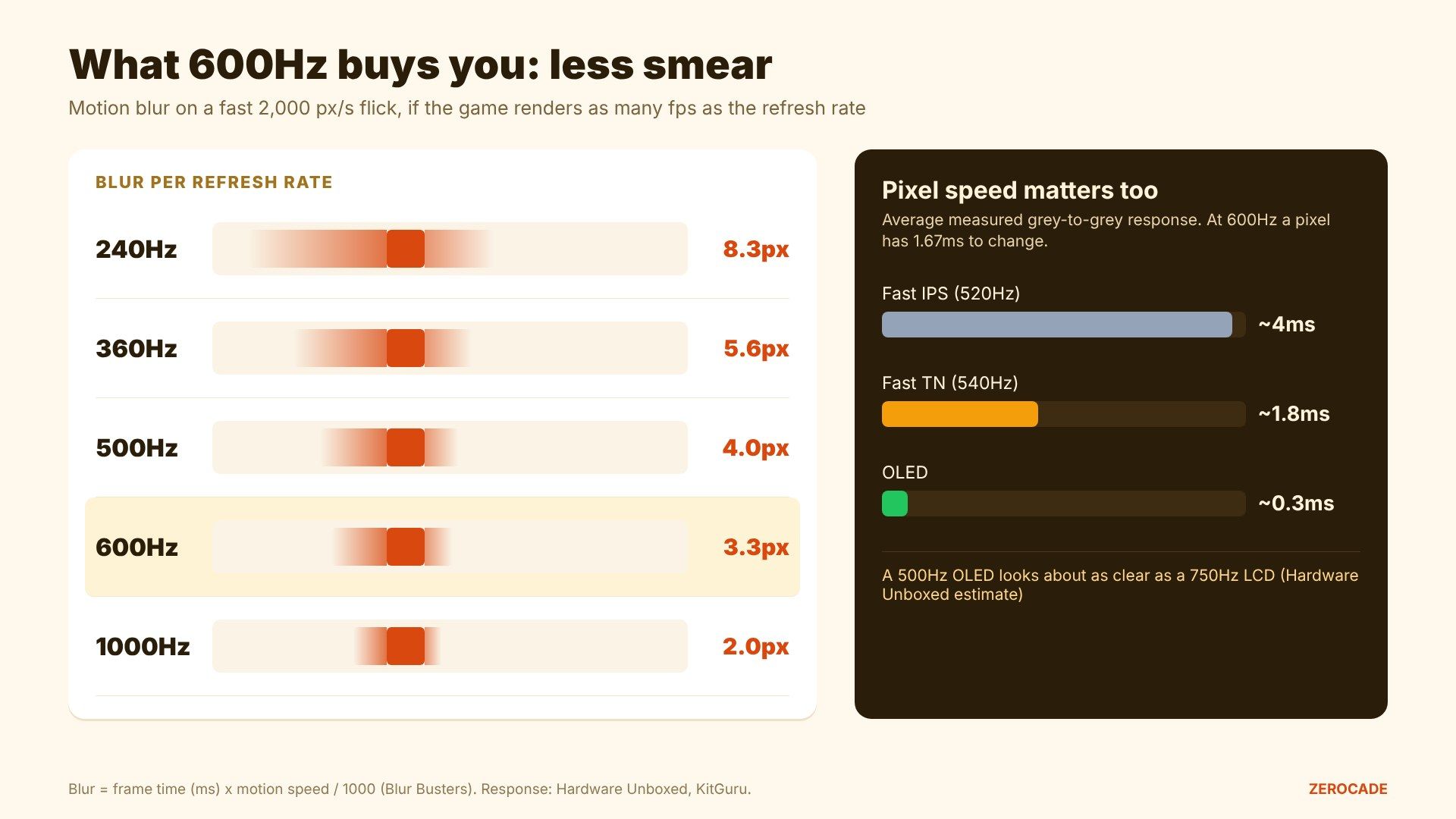
Image: Zerocade
- 240Hz: about 8.3 pixels of blur
- 360Hz: about 5.6 pixels
- 600Hz: about 3.3 pixels
- 1000Hz: about 2 pixels
That's the case for 600Hz: a target's edge stays noticeably crisper during fast turns. But it only holds if the game is running at 600fps too. At 300fps on a 600Hz screen, each frame is simply shown twice, and you get the blur of 300Hz.
Fast TN vs Fast IPS vs OLED
The rule above assumes pixels change instantly. On an LCD, they don't. Each pixel needs time to shift from one colour to the next, called grey-to-grey (GtG) response time. At 600Hz, it has to finish in under 1.67ms or the frames start smearing into each other.
- Fast TN is the fastest LCD type. Hardware Unboxed measured ASUS's 540Hz TN at about 1.8ms on average, the quickest LCD it had tested. The catch is viewing angles: tilt your head and brightness and colour shift.
- Fast IPS has better colours and angles but is slower. KitGuru measured a 520Hz IPS at about 4ms, too slow to keep up with its own refresh rate.
- OLED pixels change in about 0.3ms at any refresh rate. Hardware Unboxed estimates a 500Hz QD-OLED looks roughly as clear as a 750Hz LCD.
That's why esports monitors at 500Hz and above are mostly TN, with 500Hz and 720Hz OLEDs now catching up.
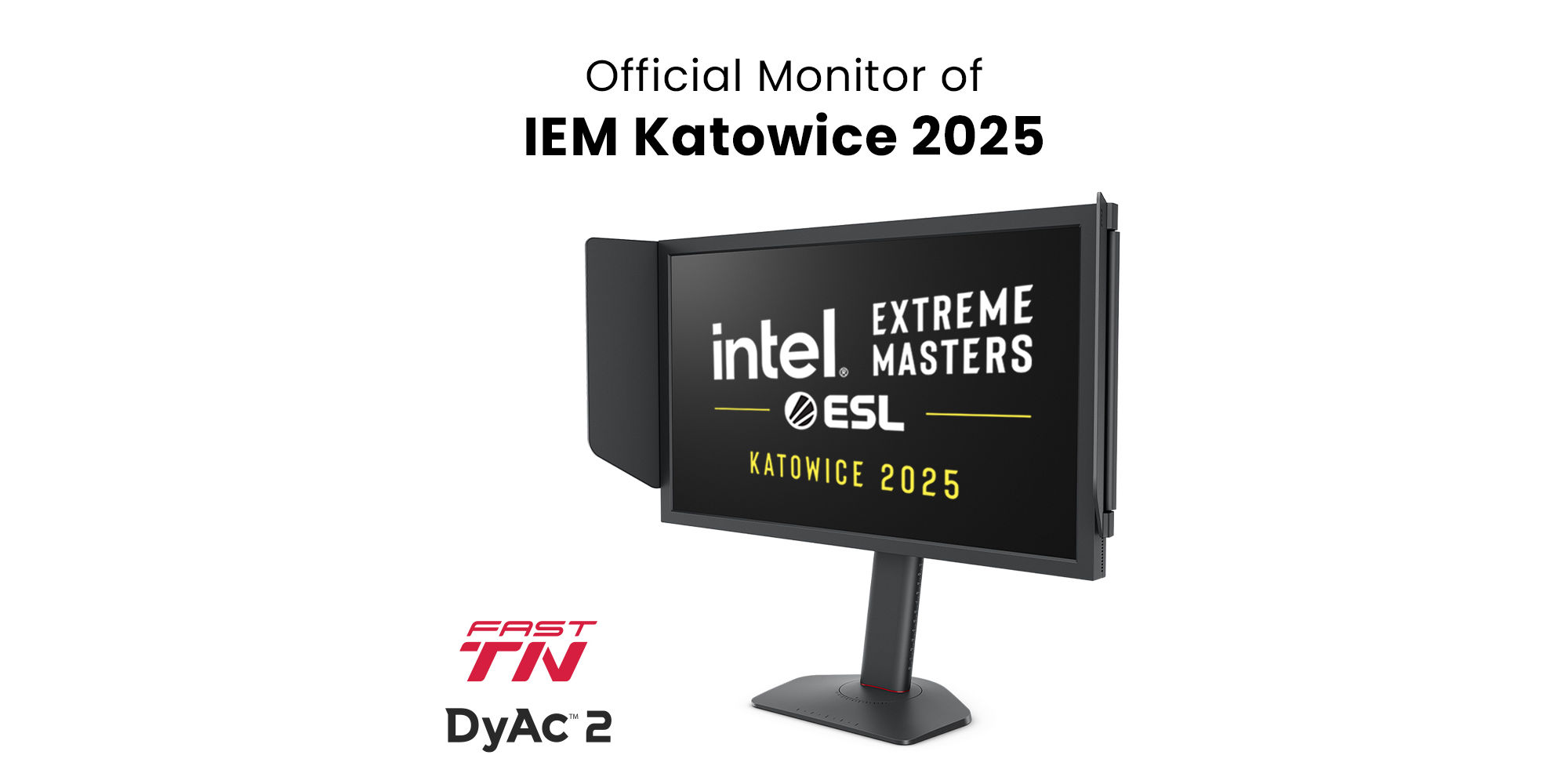
Image: BenQ
The strobing shortcut
There's another way to cut blur: flash the backlight briefly once per frame instead of leaving it on, so each image is visible for less time. Nvidia calls it ULMB 2, BenQ calls it DyAc 2.
It works. Hardware Unboxed found a strobed 360Hz image still beat an unstrobed 540Hz one. But strobing turns off adaptive sync, dims the screen, adds flicker, and needs your frame rate locked at the refresh rate.
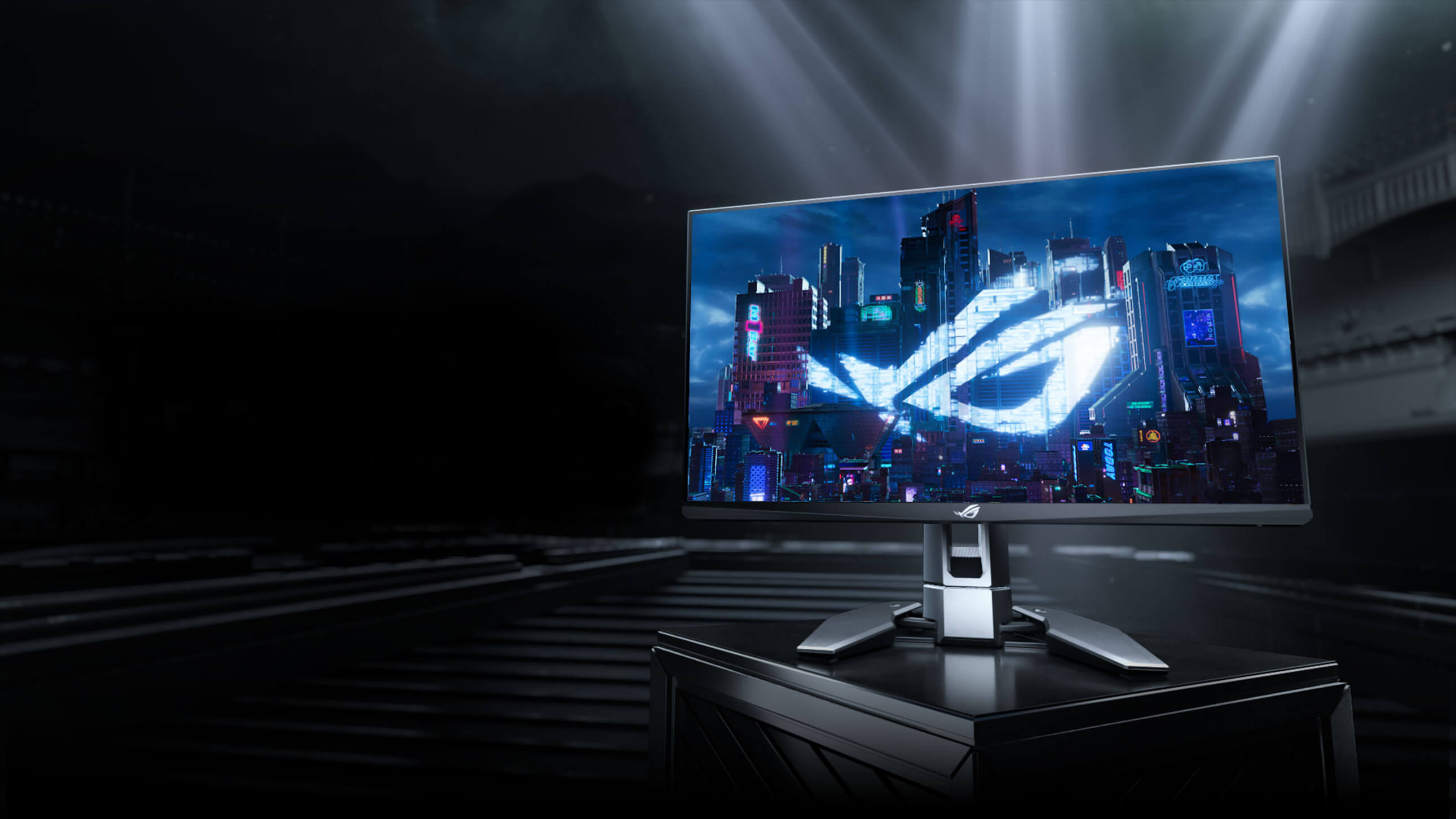
Image: ASUS
Can your PC even hit 600fps?
In some games, yes. Testing published by Pete Matheson on November 6 on a 1000Hz monitor found:
| PC | CS2 | Valorant |
|---|---|---|
| Ryzen 7 9800X3D + RTX 5090 | 725fps | 1,035fps |
| Ryzen 7 7800X3D + RTX 5070 Ti | 686fps | 1,044fps |
| Core Ultra 7 265K + RTX 5060 Ti | 452fps | 674fps |
| Ryzen 9 7900X3D + RX 7600 | 342fps | 799fps |
Valorant clears 600fps on most decent PCs. CS2 needs a high-end X3D CPU, and its worst moments still dip lower. ProSettings estimates Fortnite tops out around 550-650fps. These games lean on the CPU more than the graphics card.
In big single-player games, nobody gets near 600fps, so the extra Hz does nothing there.
So who is 600Hz for?
On paper, it's for competitive players in fast shooters with a PC that can sustain 500fps or more. For almost everyone else, a 240Hz or 360Hz screen, especially an OLED, gets most of the clarity for much less money.
The ceiling keeps rising, too. LG has a native 1000Hz IPS UltraGear at $999.99, and ASUS has a 720Hz OLED coming. In India, the options are still thin: the Zowie XL2586X+ at ₹94,990 is the main 600Hz choice, and 540Hz ASUS models only arrive as imports.
What to watch
Watch for KTC to confirm a global launch for the 25M1 Pro, and its price. At $750, it would undercut the $999 Zowie by a long way, if its real-world response times hold up.