
The short version
- HDR lets a game show brighter highlights, deeper shadows and more colours than standard video. It needs a TV and a console that both support it.
- HDR10 is the basic format every HDR TV and console supports. It sends one set of brightness instructions for the whole game.
- Dolby Vision and HDR10+ send instructions that change scene by scene. Xbox Series X|S supports Dolby Vision; PS5 supports neither.
- HGIG isn't a format. It's a TV setting that stops your TV and console fighting over brightness, and it often matters more than the logo.
Why this came up
A photo of the back of GTA 6's Xbox retail case, posted on X and reported by Notebookcheck on November 10, appears to list Dolby Vision and Dolby Atmos. Rockstar hasn't confirmed it. The PS5 version would use HDR10, since Sony's console doesn't support Dolby Vision. That's on top of Rockstar's statement that GTA 6 targets 30fps on every console.
So what would Dolby Vision actually change?
What HDR does, step by step
- The game renders a brighter image than old TVs could show. A sunlit sky or a muzzle flash can be many times brighter than a white wall in shadow.
- It sends that signal with 10-bit colour. That's over a billion shades, compared with about 16.7 million in standard 8-bit video, so sunsets and skies show fewer visible bands.
- The TV maps it to what it can actually show. No home TV can reach every brightness level the signal allows, so it has to squash bright highlights into its own limits. This step is called tone mapping, and it's where formats differ.
HDR10: one set of instructions
HDR10 arrived in 2015 and is the format everything supports. Along with the picture, it sends static metadata: a short note at the start saying how bright the brightest part of the content gets and how bright an average frame is.
The TV uses that one note for everything. That works fine, but a dark cave and a bright desert get handled by the same rule, so one of them may not look its best.
HDR10+ and Dolby Vision: scene by scene
Both formats send dynamic metadata, fresh instructions that can change scene by scene or even frame by frame. A dark scene can be tuned to keep shadow detail, and a bright one to avoid washed-out highlights.
- Dolby Vision is Dolby's format. It supports up to 12-bit colour and brightness up to 10,000 nits, though content is usually mastered lower. TV makers pay Dolby a royalty for it.
- HDR10+ was launched by Samsung and Amazon in 2017. It's royalty-free, with an annual licence fee capped at $10,000. Samsung added HDR10+ Gaming in 2022 for PCs and its own TVs and monitors, but no console supports it.
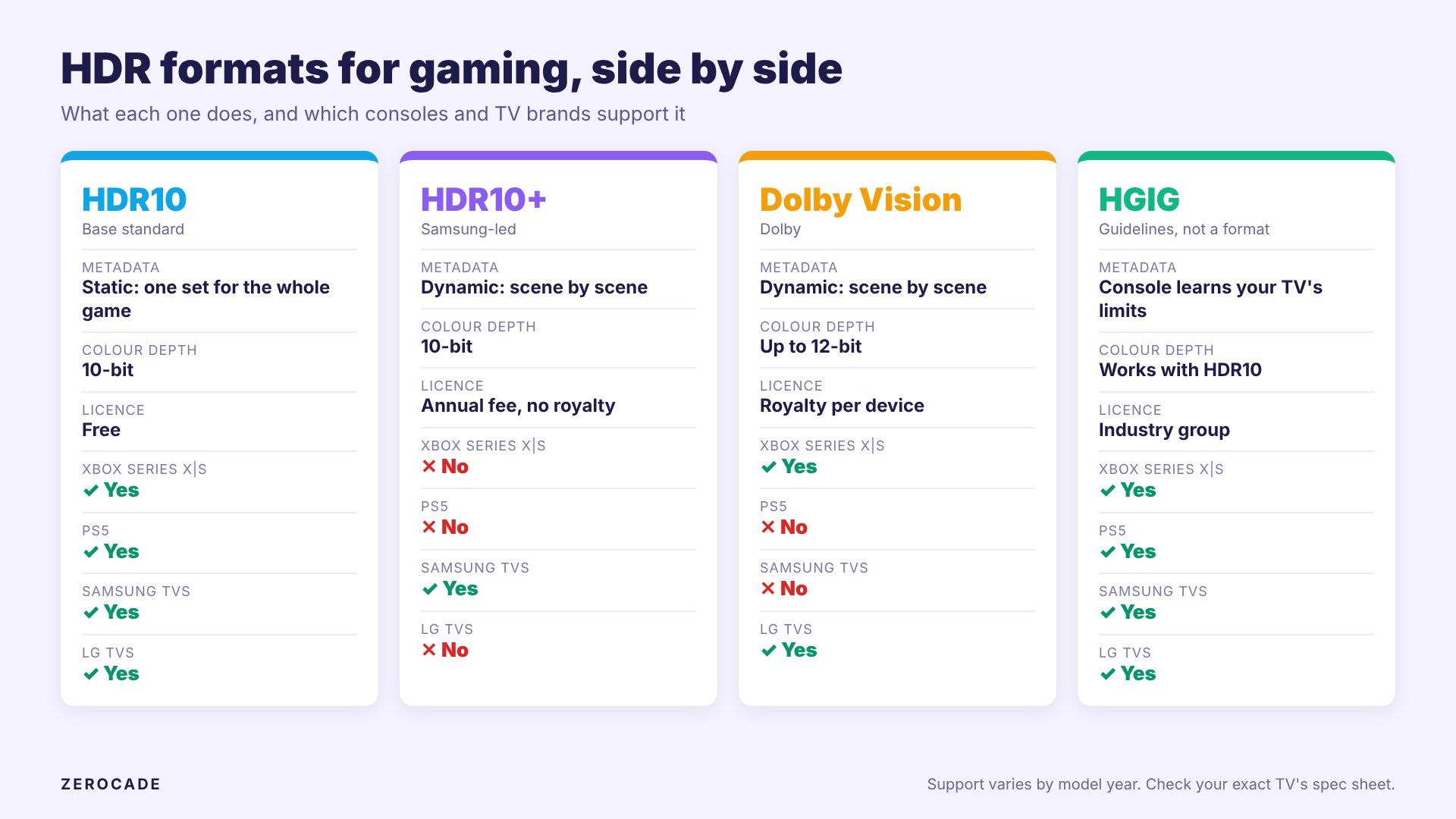
Image: Zerocade
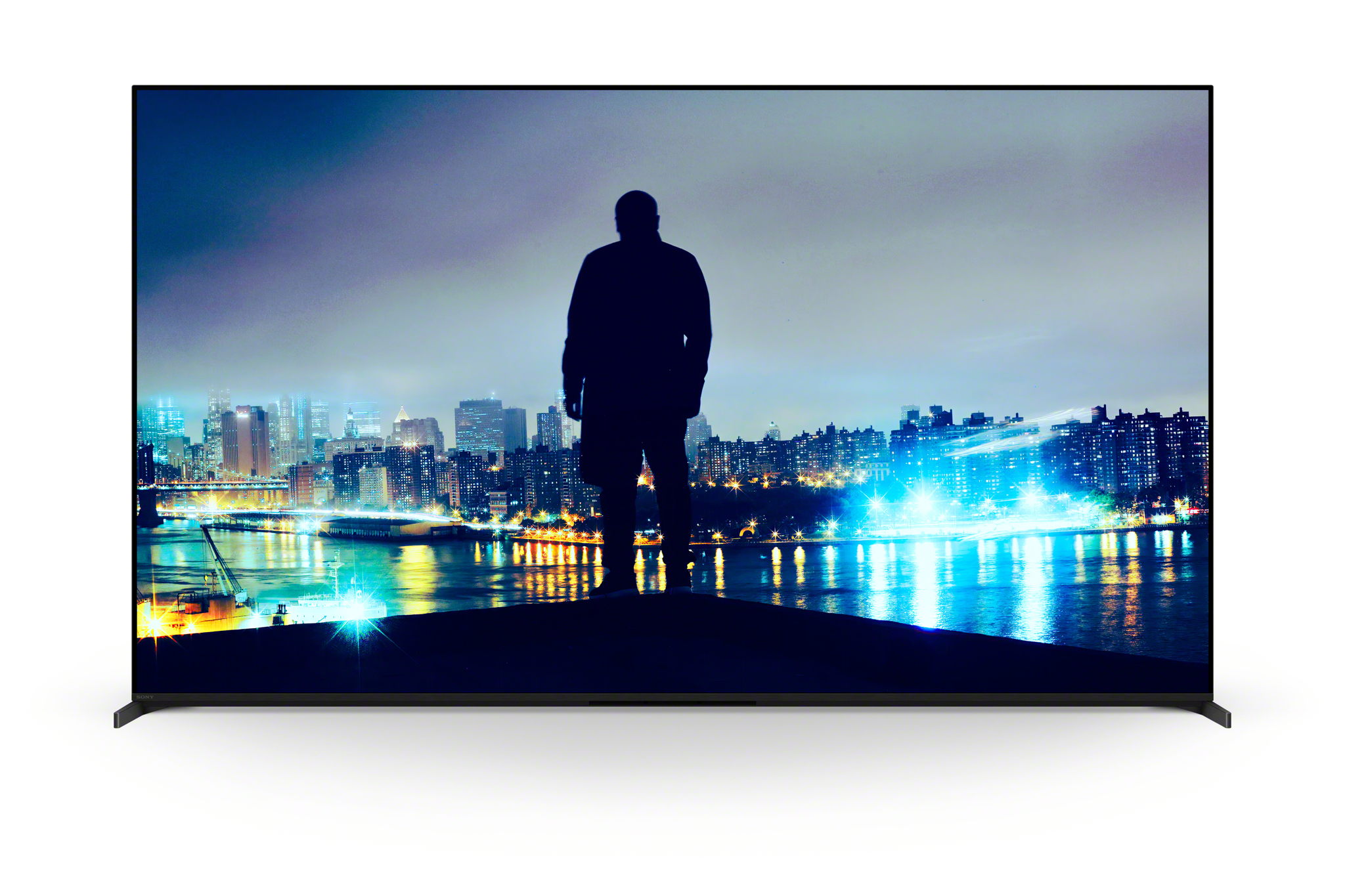
The big catch is that TV brands have picked sides. Samsung TVs support HDR10+ but not Dolby Vision, citing royalty and testing costs. LG supports Dolby Vision and has said it doesn't plan to add HDR10+. Sony's Bravia 8 II and Bravia 5 support Dolby Vision, and some brands, like TCL with its C72K, support both.
Dolby Vision on Xbox
Microsoft added Dolby Vision gaming to Xbox Series X|S in September 2021, calling them the first consoles to support gaming in Dolby Vision and Dolby Atmos. What you need:
- A Dolby Vision TV that also supports ALLM (auto low latency mode) or VRR.
- Up to 120fps, depending on the TV. LG's 2021 C1 and G1 OLEDs were the first to get Dolby Vision at 4K 120Hz, which needs a full 48Gbps HDMI 2.1 port. Our HDMI 2.1 guide explains what that means.
There's a nuance. With a Dolby Vision TV connected, Xbox can wrap regular HDR10 games and Auto HDR games in Dolby Vision too. So not every game that shows a Dolby Vision logo was actually graded for it. Halo Infinite is one of the few clear native examples, and its Dolby Vision mode was criticised at launch for looking dimmer than HDR10.
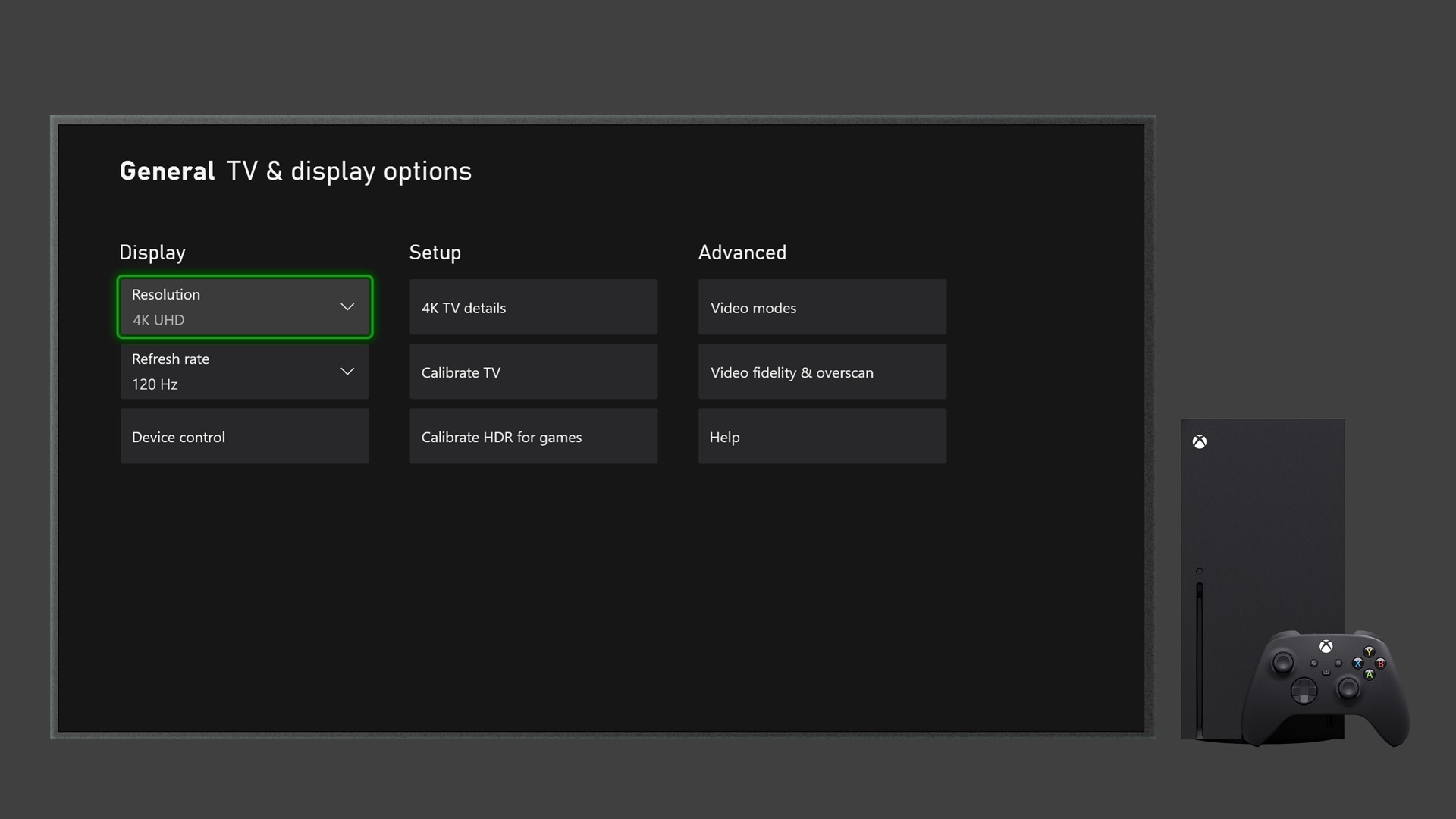
Image: Microsoft
PS5: HDR10, done carefully
PS5 outputs HDR10 only. Instead of dynamic metadata, it relies on a calibration screen: under Settings > Screen and Video > Video Output > Adjust HDR, you tell the console how bright your TV can go, and games use that.
For sound, PS5 added Dolby Atmos output in September 2023 for Atmos soundbars and home theatres. Games are still mixed for Sony's Tempest 3D audio first and then converted. Xbox also supports Atmos on headphones through Microsoft's Dolby Access app.
HGIG: the setting that matters most
HGIG is the HDR Gaming Interest Group, formed by Sony and Microsoft with TV makers like LG and Samsung, and with game studios including Rockstar as members. It's a set of guidelines, not a format.
The idea is simple. When you run your console's HDR calibration, the console learns your TV's real limits and tone-maps the game itself. If your TV then tone-maps again on top, highlights get squashed twice and detail is lost. A TV's HGIG mode turns off its own tone mapping and trusts the console.
LG OLEDs have had an HGIG setting since 2019, and Samsung added it to some TVs from 2020. Both PS5 and Xbox Series X|S have the calibration screen it relies on. On paper, a well-calibrated HDR10 picture with HGIG on can look as good as Dolby Vision in many games.
What to check before buying a TV
- Which console you own. For Xbox, a Dolby Vision TV like LG's C5 OLED (from ₹1,49,990 at launch) or Sony's Bravia 8 II (from ₹2,46,990) unlocks Dolby Vision gaming. For PS5, the Dolby Vision logo doesn't matter for games.
- HGIG mode. Check the TV's game settings. It's often more useful than any format logo.
- HDMI 2.1 and 120Hz. Needed for 4K 120Hz and VRR, on either console.
- Real brightness. A TV that can't get bright doesn't get much from HDR, whatever formats it lists. Samsung's 2025 Neo QLED range started at ₹89,990 and TCL's C72K at ₹84,990, with very different HDR formats, so check the exact model.
What to watch
Watch for Rockstar to confirm GTA 6's HDR formats, and for side-by-side comparisons of the Xbox and PS5 versions after launch on November 19. Whichever console you play on, run its HDR calibration and switch your TV to HGIG or its game mode before you start: that alone can fix most washed-out or too-dark HDR pictures.