The short version
- Most gaming laptops have a separate graphics card with its own fast memory, called VRAM.
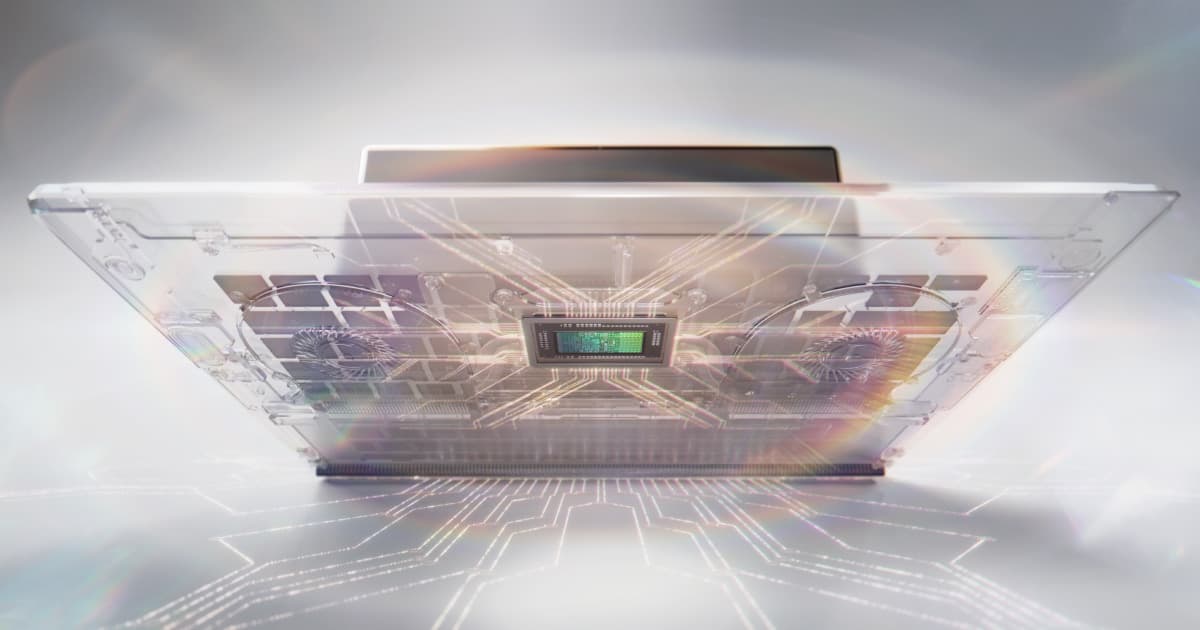
- New chips like AMD's Ryzen AI Max and Nvidia's RTX Spark put strong graphics on the main chip and share one big pool of memory.
- That's how the ASUS TUF A14 can game with no graphics card at all.
- A separate GPU still wins on raw power, because it gets its own power and cooling.
Two ways to build a gaming laptop
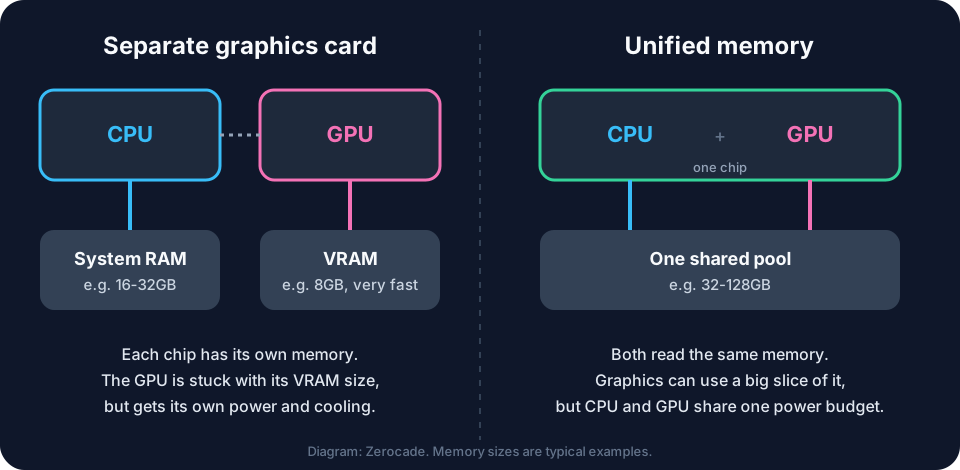
The usual way: a CPU with its own RAM, plus a graphics card with its own VRAM. They're separate chips, and data has to be copied between them.
The newer way puts the CPU and graphics on one chip, reading from the same memory. Apple's Macs have worked like this for years. Now Windows gaming laptops do too.
Why shared memory helps
VRAM size is fixed. An 8GB graphics card stays 8GB, and big games or AI models that need more start to struggle.
With unified memory, the graphics can borrow a big slice of the whole pool. AMD calls this Variable Graphics Memory. On a Ryzen AI Max+ 395 with 128GB, up to 96GB can be set aside for graphics. You change it in AMD Software: Adrenalin, under Performance and then Tuning, and restart.
The TUF A14 example
The 2026 TUF A14 uses the Ryzen AI Max+ 392 with Radeon 8060S graphics (40 graphics cores), up to 64GB of LPDDR5X-8000 shared memory, and a 95W power limit, in a 1.48kg body. In India, the 32GB version sells for ₹1,79,990.
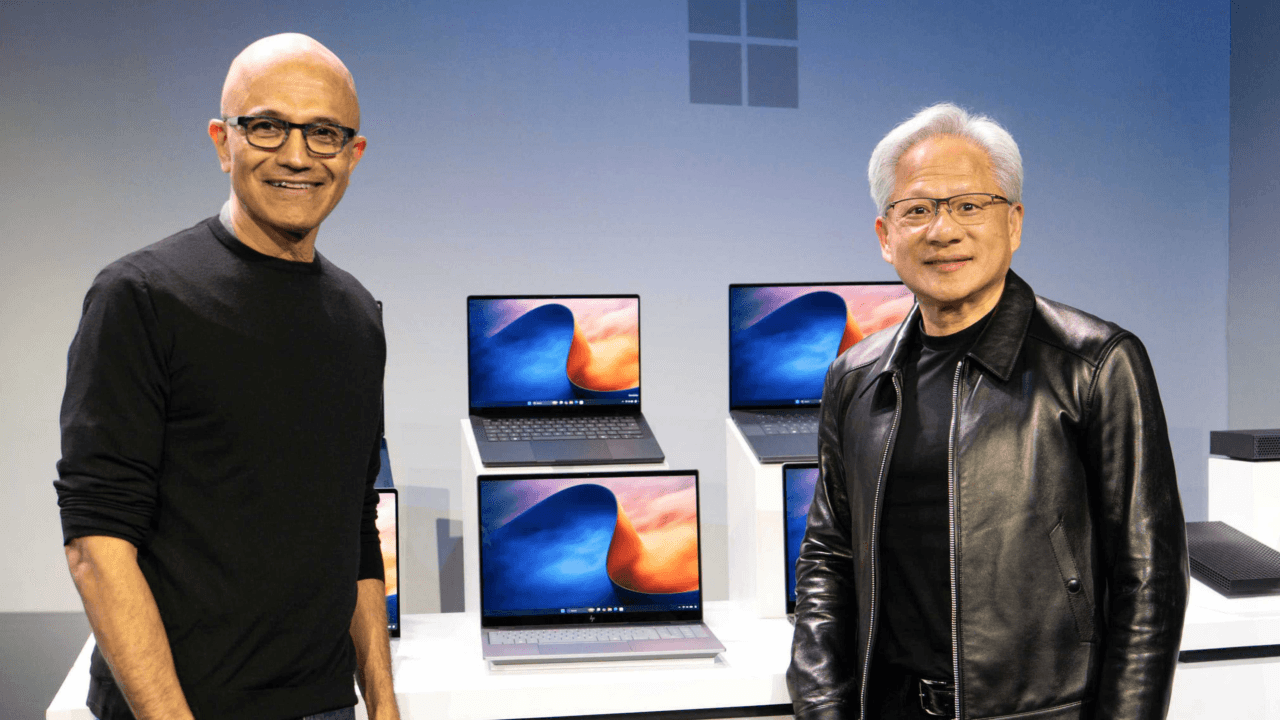
Nvidia's RTX Spark goes further on memory, with up to 128GB shared, and AMD's new Ryzen AI Max+ Pro 495 supports up to 192GB, with up to 160GB of it usable for graphics.
Where a real graphics card still wins
The catch is power. On one chip, the CPU and graphics share one power budget and one cooler. A separate graphics card in a bigger laptop gets its own, which is why high-end discrete GPUs still lead for the heaviest games and highest frame rates.
On paper, unified memory suits thin laptops, AI tools and big memory needs. A separate card suits players who want maximum frame rates and don't mind the weight.
What to check: on a unified-memory laptop, buy the memory you'll need up front. It's soldered to the board, so you can't add more later.
Images: NVIDIA, ASUS. Diagram: Zerocade.